


Home Learning (during a school closure)
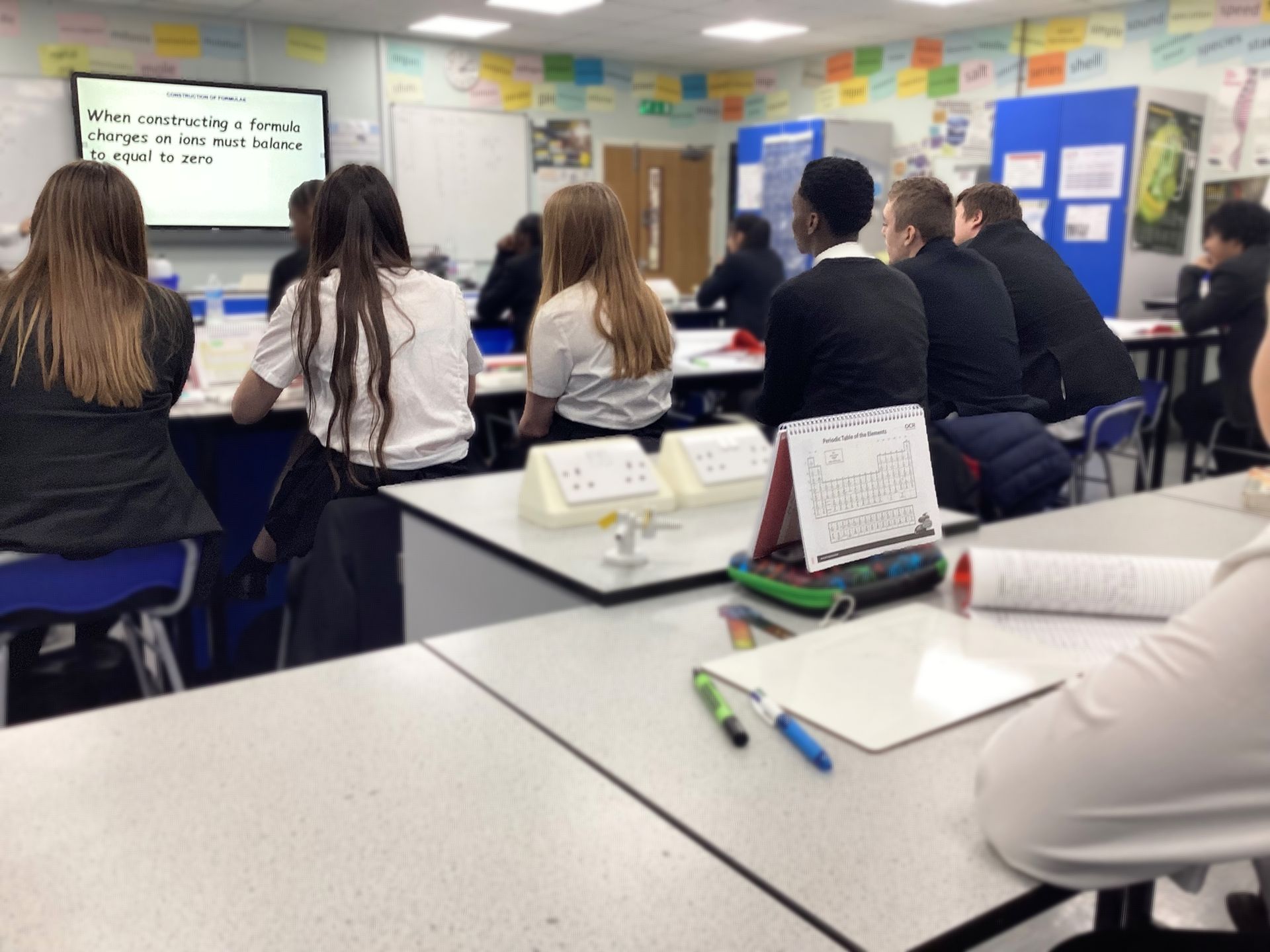
When the school is physically closed to students during term time, we will set work online through Google Classroom.
Please see our informational videos for more help with using Google Classroom:
- Working from home video guide
- How to register
- Logging onto RM Unify and Google Classroom
- Submitting work
- Attending a Google Meet
- How to leave a private comment
- Using the Calendar feature to check when work is due
- Uploading images onto Google Classroom
- Using immersive reader
Google Classroom App
There is a Google Classroom app for tablets or mobile devices, it can be downloaded from the Apple App Store or Google Play Store. This can be used to view assignments, post messages or even complete work. The app also provides notifications of posts, comments and upcoming deadlines.
Notifications can be turned off or customised by following these instructions.
A guide for pupils (and parents) regarding how to use Google Classroom can be found here: A Brief Guide to Google Classroom
Pupils may be asked to upload photos of their work to Google Classroom so that their teachers can check and mark it. This video explains how pupils can do this: Uploading Photos of Work to Google Classroom
What resources will my child need in order to complete work at home?
Your child will need their school equipment and books (if their books are in school, then paper is fine) and a device which can connect to the internet.
Google Classroom and the lessons set by teachers can be accessed on a computer, tablet or mobile phone.
If your child does not have access to the internet, please contact the school.
ICT Support and Guidance
Advice and support on the school ICT Network and RM Unify, Google Classroom and Office 365 can be found by clicking here. You can also direct any specific queries to our technical support team: cloudsupport@robertclack.co.uk and do not email office@robertclack.co.uk with ICT questions.